
Feature
Snags under control, from spotting to closing
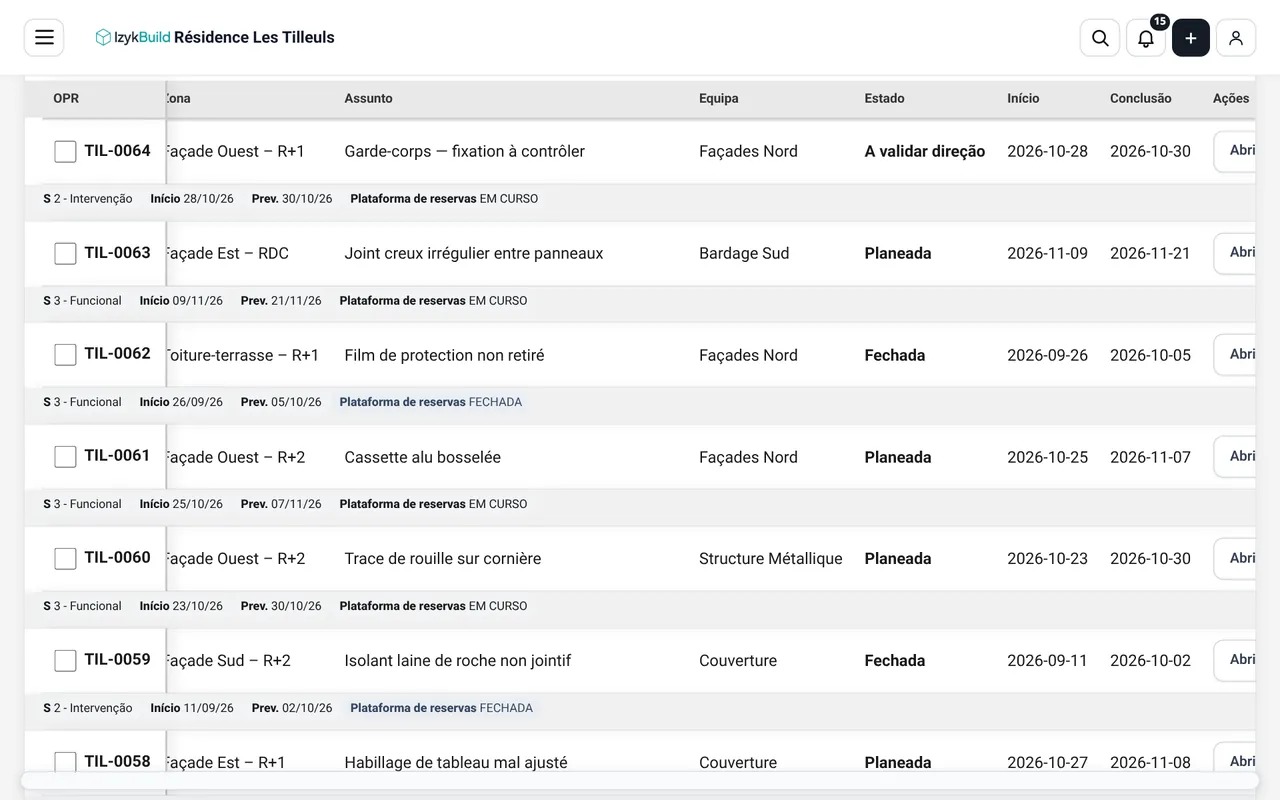
Record each snag with photos, locate it on the plan or in the 3D model and follow it up until it is closed, with the right team.
What you can do
Sheets with photos
Each snag with description, photos, zone and responsible team.
On the plan or in 3D
Locate the snag on the zone plan or show it directly in the 3D model.
Release by team
Review and release snags in batches, team by team.
Smart filters
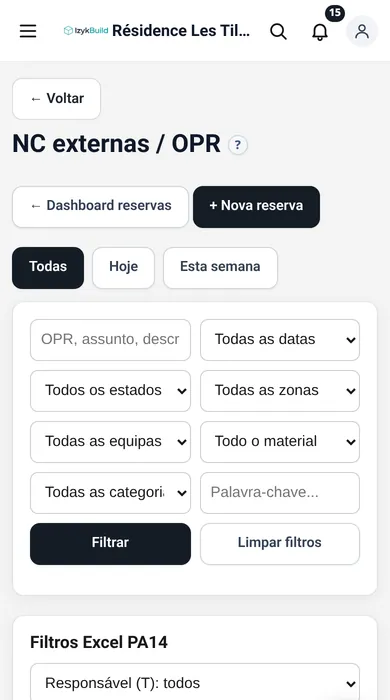
AI classification and filters written in plain language.
Excel and PDF
Import and re-export the same Excel file and export PDF sheets.
Calendar and client view
A snag calendar and a dedicated view for the project owner.
Available in
See it in action
Try the demo with a sample project or contact us for a tailored presentation.