
Feature
3D model and site progress
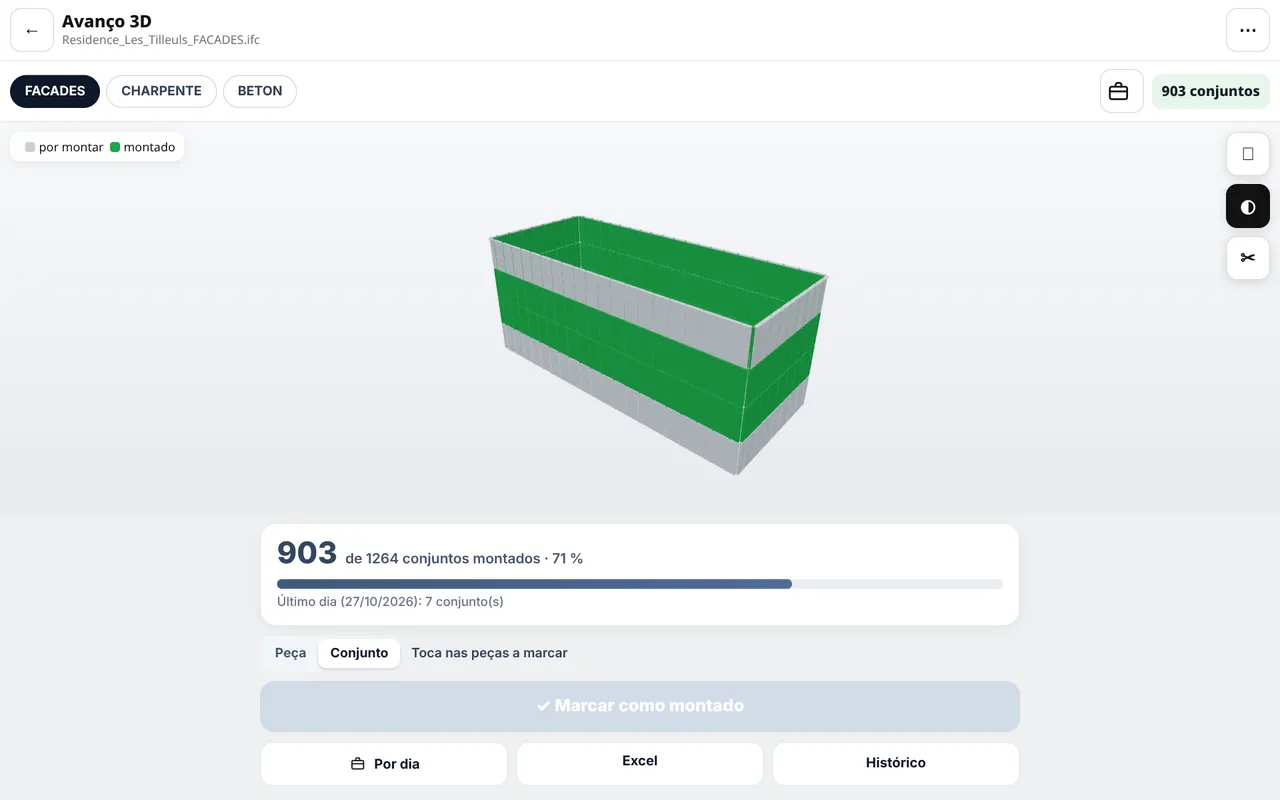
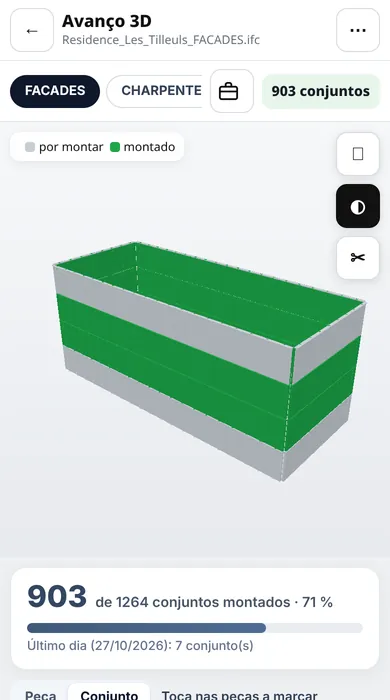
Open the IFC model on site, mark what is installed and see the status of each zone, in colour.
What you can do
IFC viewer
Load the IFC model, navigate, search and save views — on phone, tablet or computer.
Progress by zone and phase
Mark installed material in the model, with history and undo.
Progress from a photo
Take a photo on site and let AI help record progress.
Site status
Coloured categories and zones, with list, Excel and PDF per category.
Snags and tests in 3D
Locate snags and tests — paint, adhesion, thickness — at the exact spot in the model.
Augmented reality
See the virtual 3D model overlaid on the real site.
Available in
See it in action
Try the demo with a sample project or contact us for a tailored presentation.